
How do I reset my forgotten password on Pterodactyl?
Step 1
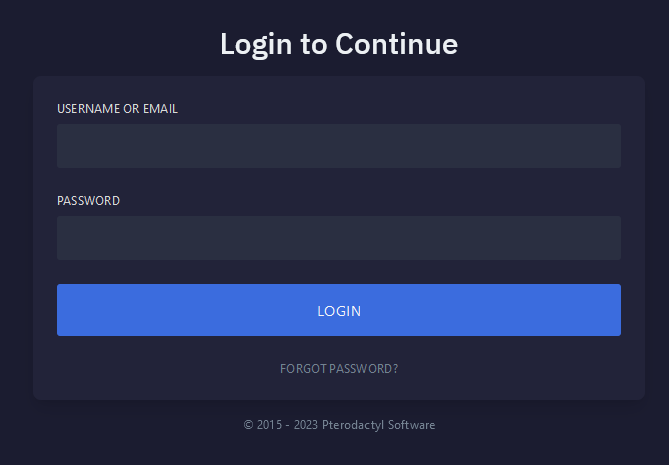
Navigate to Pterodactyl panel's login screen.
Step 2
Select Forgot Password.

Step 3
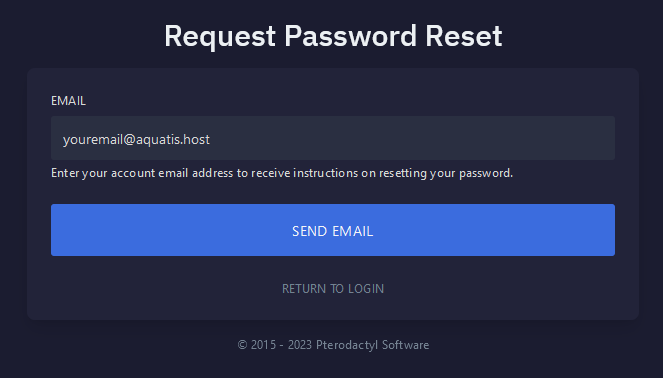
Type your email in the box and click the Send Email button.
Step 4
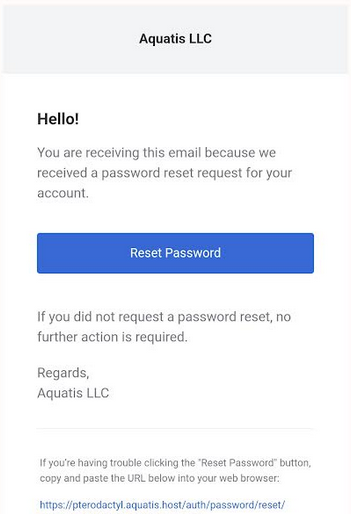
Navigate to your email and select the Reset Password button on the Aquatis email.
Step 5
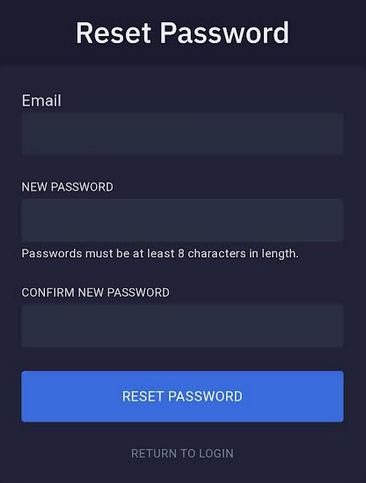
Type in your new password, then type it again to confirm it. Once completed select the Reset Password button.
Step 6

You have completed reading this guide.