
How do I change my email address on Pterodactyl?
Step 1
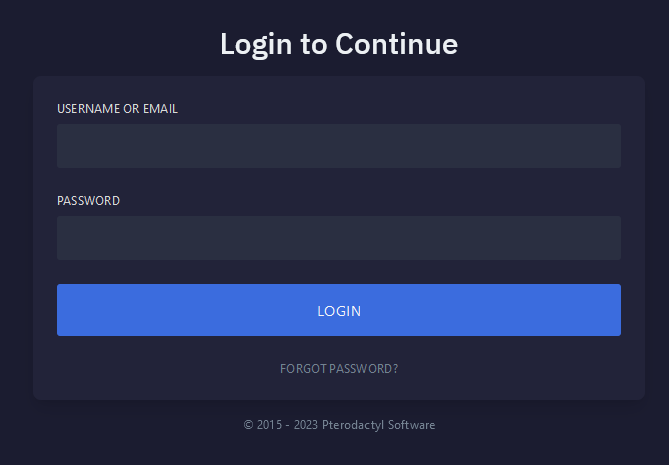
Navigate to Pterodactyl panel's login screen and Login.
Step 2
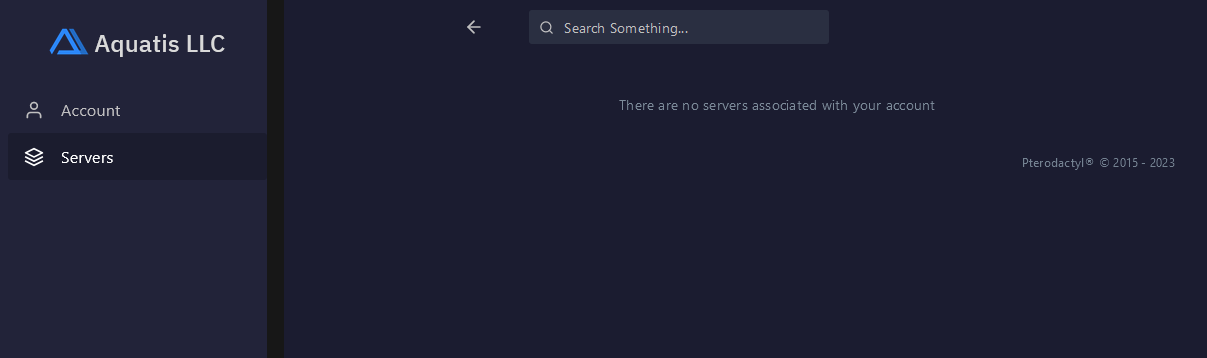
Navigate to the Account section on the left side navigation.
Step 3
Navigate to the Update Email Address section on the middle of your screen. Enter your new desired email, type in your current password and select the Update Email button.
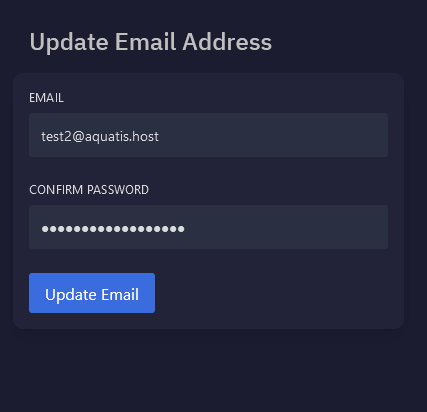
The system will apply the changes and stay on the screen. You will see a visual confirmation.
You have completed reading this guide.