
How do I add/open a server port on Pterodactyl?
Step 1
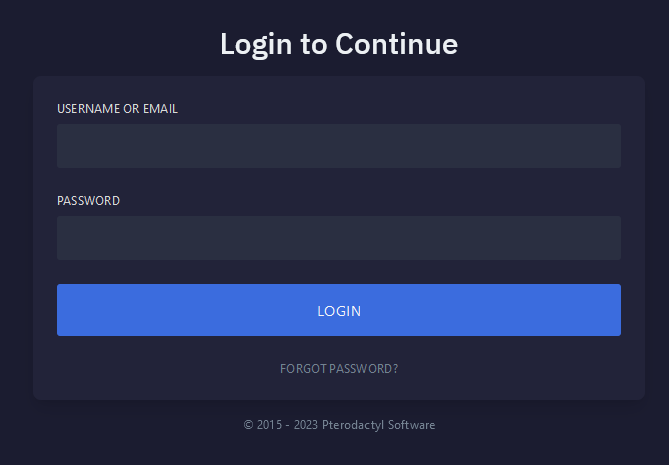
Navigate to Pterodactyl panel's login screen and Login.
Step 2
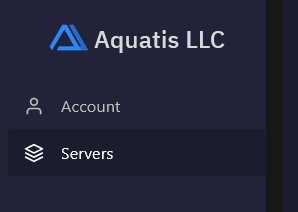
Navigate to the Server section on the left side navigation.
Step 3
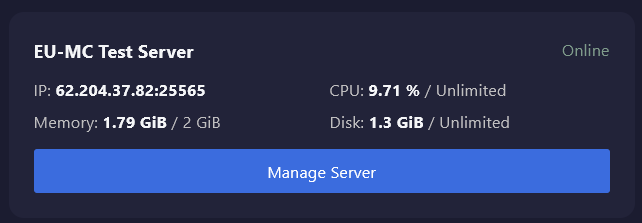
Navigate to the server you wish to manage, select the Manage Server button.
Step 4

Step 5
Select the Create Allocation button to create a new port allocation for your server.

Step 6
Type Notes into the notes box to create a reminder of what you are using that port for.
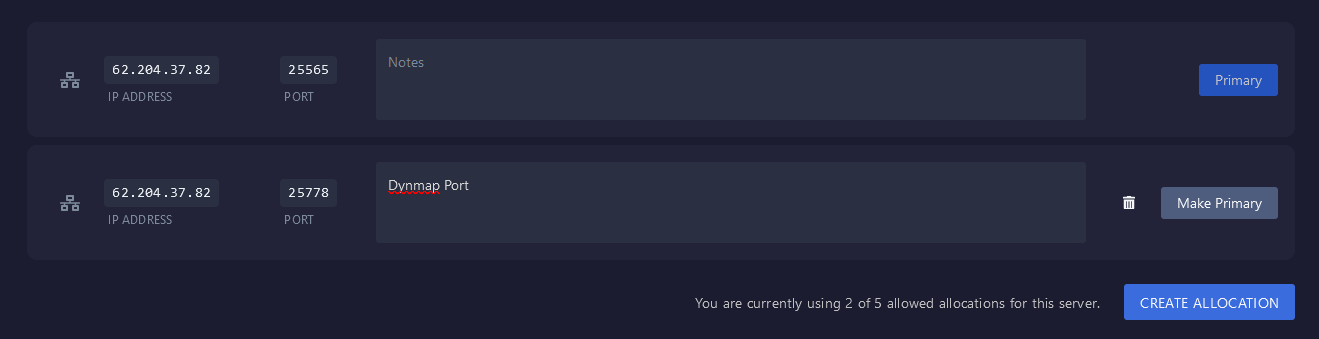
You are also able to delete the additional port, or make it the primary port for your server for players to connect with.

Step 7

Step 8
Restart the server with the stop then start button. Upon completion, the ports will be open.
You have completed reading this guide.