How do I view the backups of my VPS?
VPS Backups are currently only provided with High Ram KVM VPSs.
Step 1
Sign in to the VPS panel.
Budget VPS: https://virtualizor.aquatis.host:4083/panelHigh Ram VPS: https://hr-kvm.aquatis.host:4083/.
Step 2
Select the VPS you wish to control.

Step 3
On the navigation bar, select the SettingsBackups button to view the VPS settings.backups.

Listed below will be the backups currently stored. This will show you all of the options currently available to you.
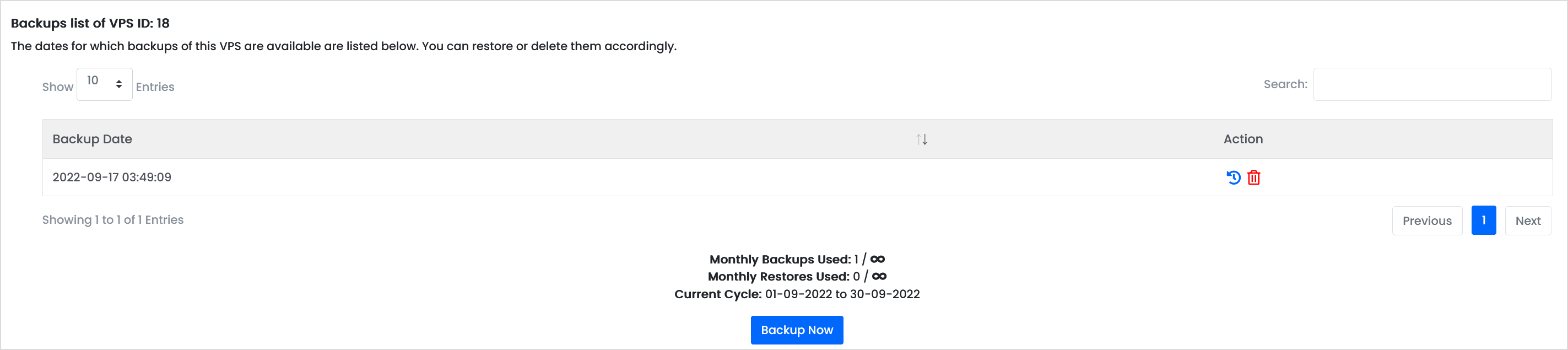
Listed in the table will be all the backups that are currently stored. Below are two actions.

Restore
Selecting this will restore this backup to the VPS. This will delete data on the VPS.
Delete
This will delete the backup from the system, doing this will be unrecoverable.
Step 4
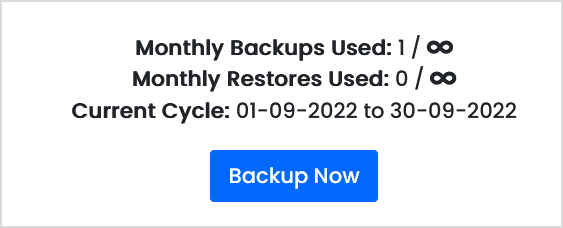
To create a manual backup, Selectselect "ChangeBackup Password"Now" onto themanually left-handbackup side.your VPS.
Step 5
Type in the new password in both boxes, then select Change Password.

Step 6
Shutdown & Start the VPS for the password to take effect.