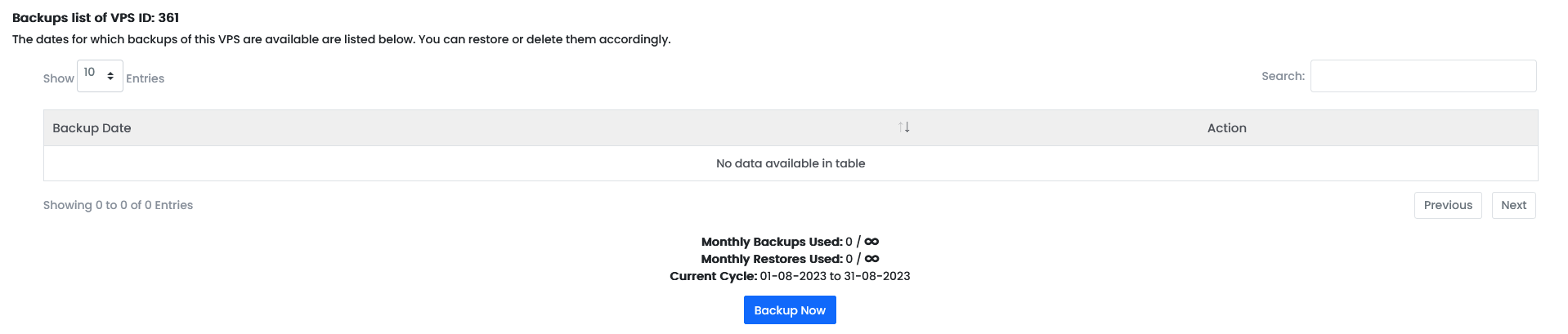
How do I create a manual backup for my VPS?
Step 1
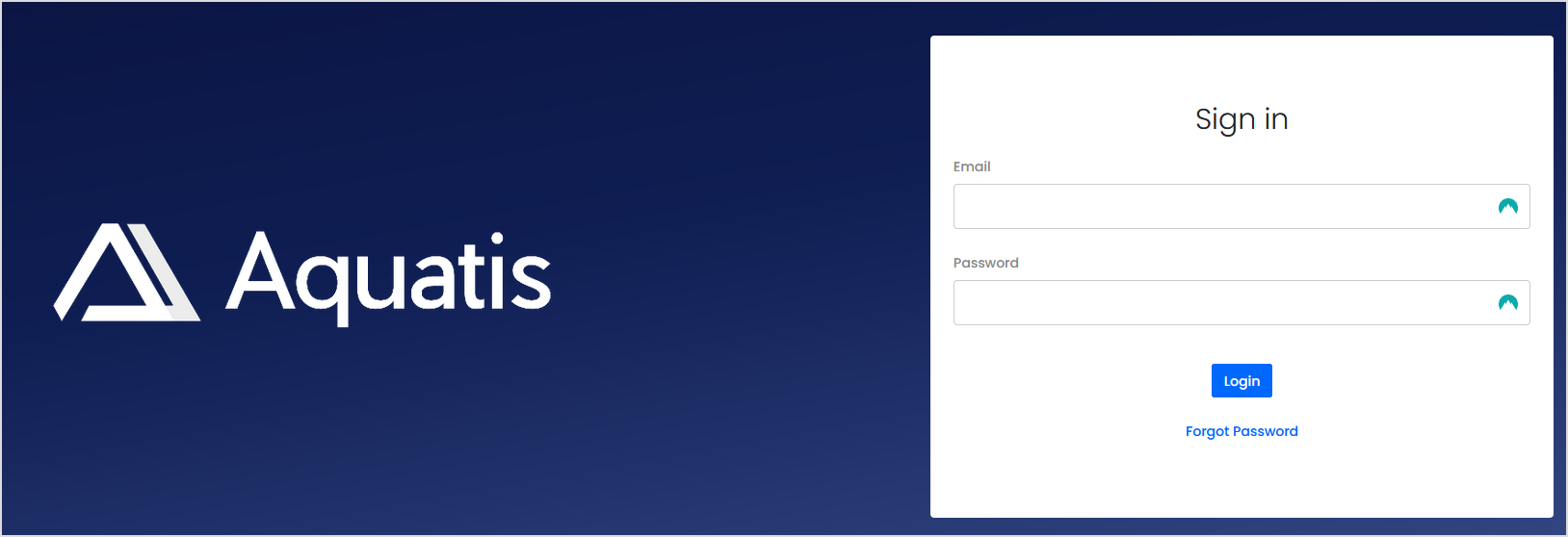
Sign in to the VPS panel.
VPS Panel: https://vps.aquatis.host:4083/
Step 2
Select the VPS you wish to control.

Step 3
On the navigation bar, select the Backups button to view the Backups menu.

Step 4
Select the Backup Now button to start the backup process. The system will create a manual backup in the background.
In this example, this VPS does not have any backups yet.