
How do I change the hostname of my VPS?
Step 1
Sign in to the VPS panel.
Budget VPS: https://virtualizor.aquatis.host:4083/
High Ram VPS: https://hr-kvm.aquatis.host:4083/

Step 2
Select the VPS you wish to control.

Step 3
On the topnavigation rightbar, select the select Settingsthe button of the action you wish to perform.
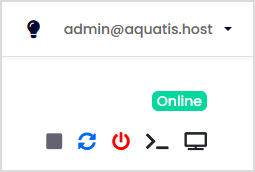

Step off,4
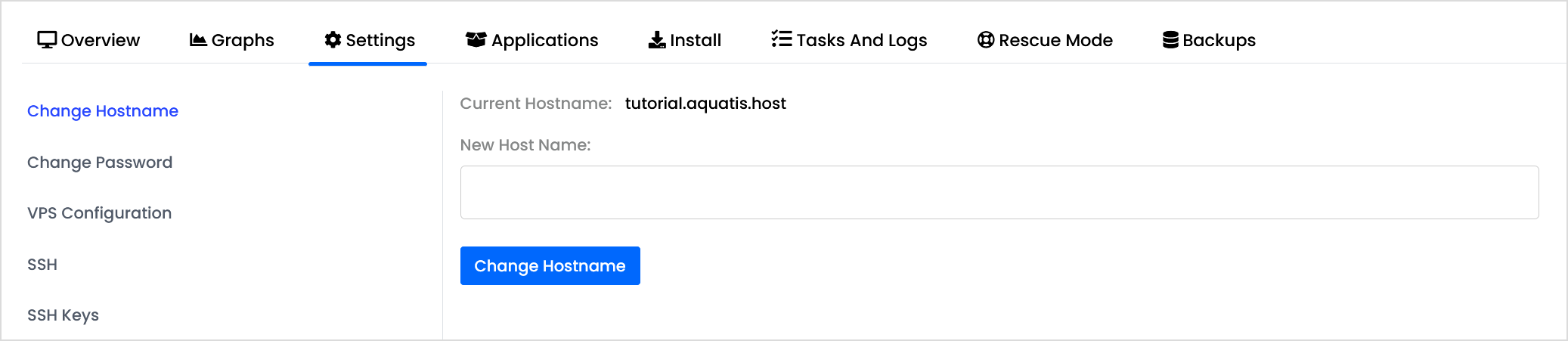
The settings page has the Change Hostname as the first option.
Step 5
Type in the new hostname and willclick stopChange Hostname.

Step 6
Restart the VPS ifChange it'sHostname powered on.
first