
How do I find my Multicraft Servers ID?
This guide will show you how to accesslocate your FTPMulticraft informationServer forID. third-partyEach applicationsserver likethat Filezilla.is hosted under us has a specific number assigned to it that we refer to as an ID. This allows us to identify the server whenever we are troubleshooting.
Step 1
Step 2
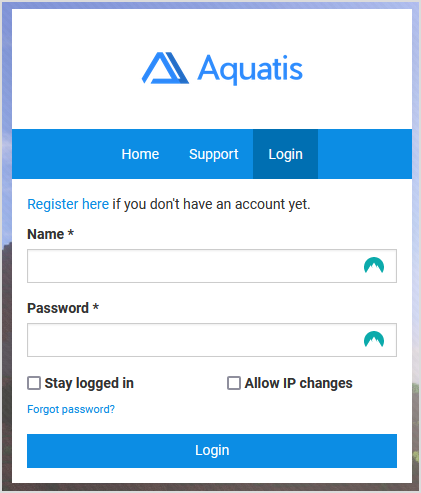
Login to the panel with your credentials.
Step 3
Navigate to the server where you want to get the FTPserver informationID for.

Step 4
On the menu on the side, select "Files > FTP File Access".

Step 5
Record the details listed on your panel. Below is an example of what it should look like.
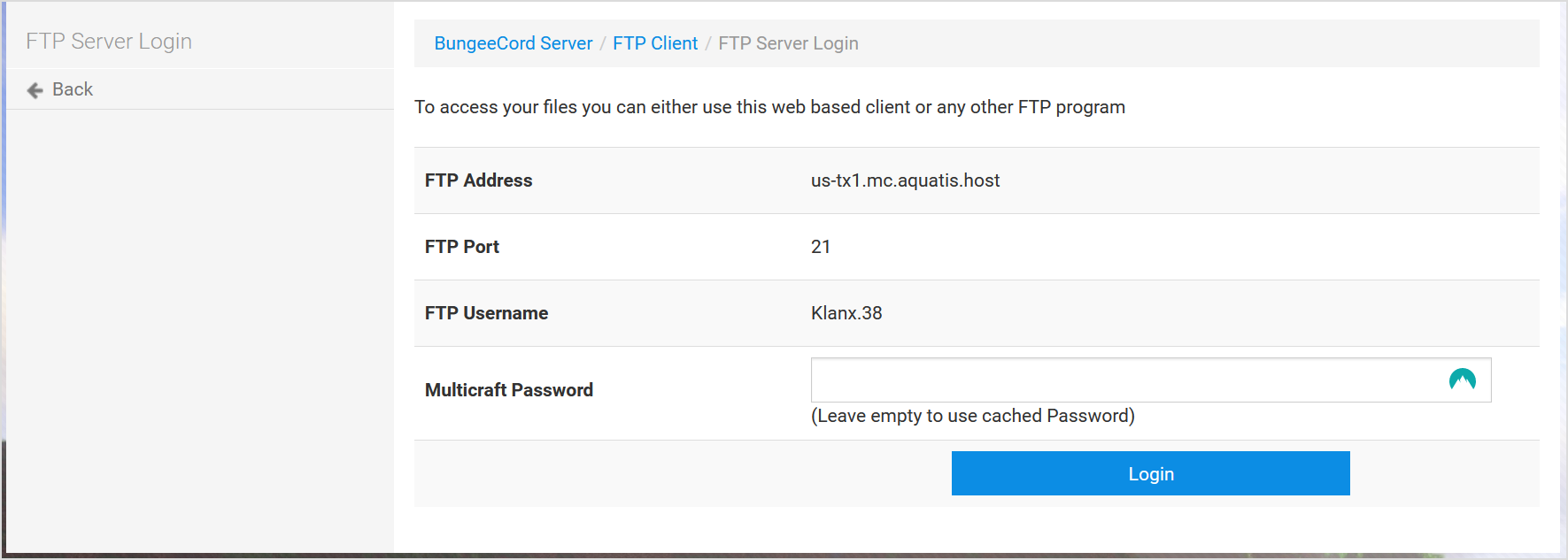
The username normally consiststop of the usernameaddress bar, you should see your server Id at the end of the userlink. accessing

The and the server IDnumber at the end. So in this example, the Usernameend of the userlink isidentifies Klanx and theyour server ID iswhich for this server 38.is So the FTP account username would be Klanx.38!8219.