
How do I find my Multicraft Servers ID?
This guide will show you how to locate your Multicraft Server ID. Each server that is hosted under us has a specific number assigned to it that we refer to as an ID. This allows us to identify the server whenever we are troubleshooting.
Step 1
Step 2
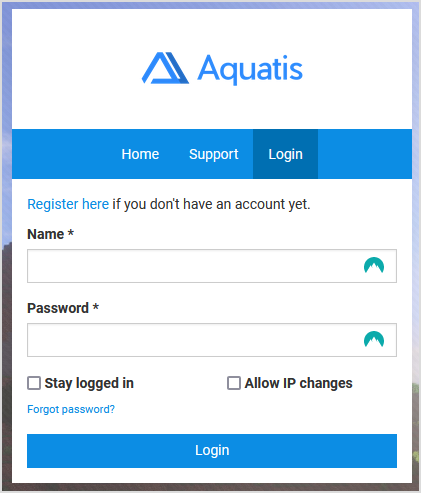
Login to the panel with your credentials.
Step 3
Navigate to the server where you want to get the server ID for.

Step 4
On the top of the address bar, you should see your server Id at the end of the link.

The number at the end of the link identifies your server ID which for this server is 8219.