
How do I edit my website files with an FTP client?
In this guide, you will learn how to link upan yourFTP websiteclient to Cloudflare. Aquatis strongly encourages customers to link their website to Cloudflare as it improves your website and applicationlearn performance/security.how Cloudflareto access your web hosting files.
An FTP client is free.an application on your computer that connects you to remote servers through FTP and other protocols.
Step 1
NavigateDownload & Install toan FTP client. In this example, we will be using Cloudflare Filezillaand select the Sign-Up button on the navigation bar..

Step 2
Fill in your email and desired password and select the Create AccountSign box.
The information you submit on Cloudflare does not need to match your Aquatis account billing information.cPanel.
Step 3
SelectCopy "Getthe started"Shared forIP Address value. This will be referred to as the firstFTP option,host later on.Cloudflare for Infrastructure.

Step 4
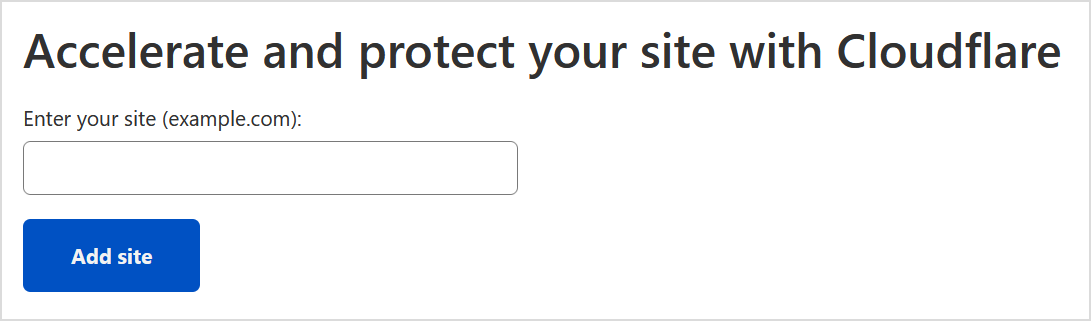
Type in the DomainNavigate that you would likeback to linkFilezilla toand Cloudflare.open Site Manager under File.
If your website is https://www.yourdomain.com, do not include https:// or www. in your domain while entering. For the example here, you would only put yourdomain.com.
Step 5
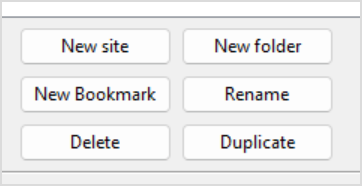
Select the"New Freesite" planto atcreate thea bottom,new thenSite selectto Continue.keep stored on your FTP client.
You are free to purchase any plan you want, please note that Aquatis is not affiliated with Cloudflare in terms of support/sales.
Step 6
WaitType whilein Cloudflarethe scansname for DNS records. Once it completes, it will display a list of DNS recordsthat you currentlywant have.the Scroll downsite to be named as in the bottomFTP for now and select Continue.
client.

Step 7
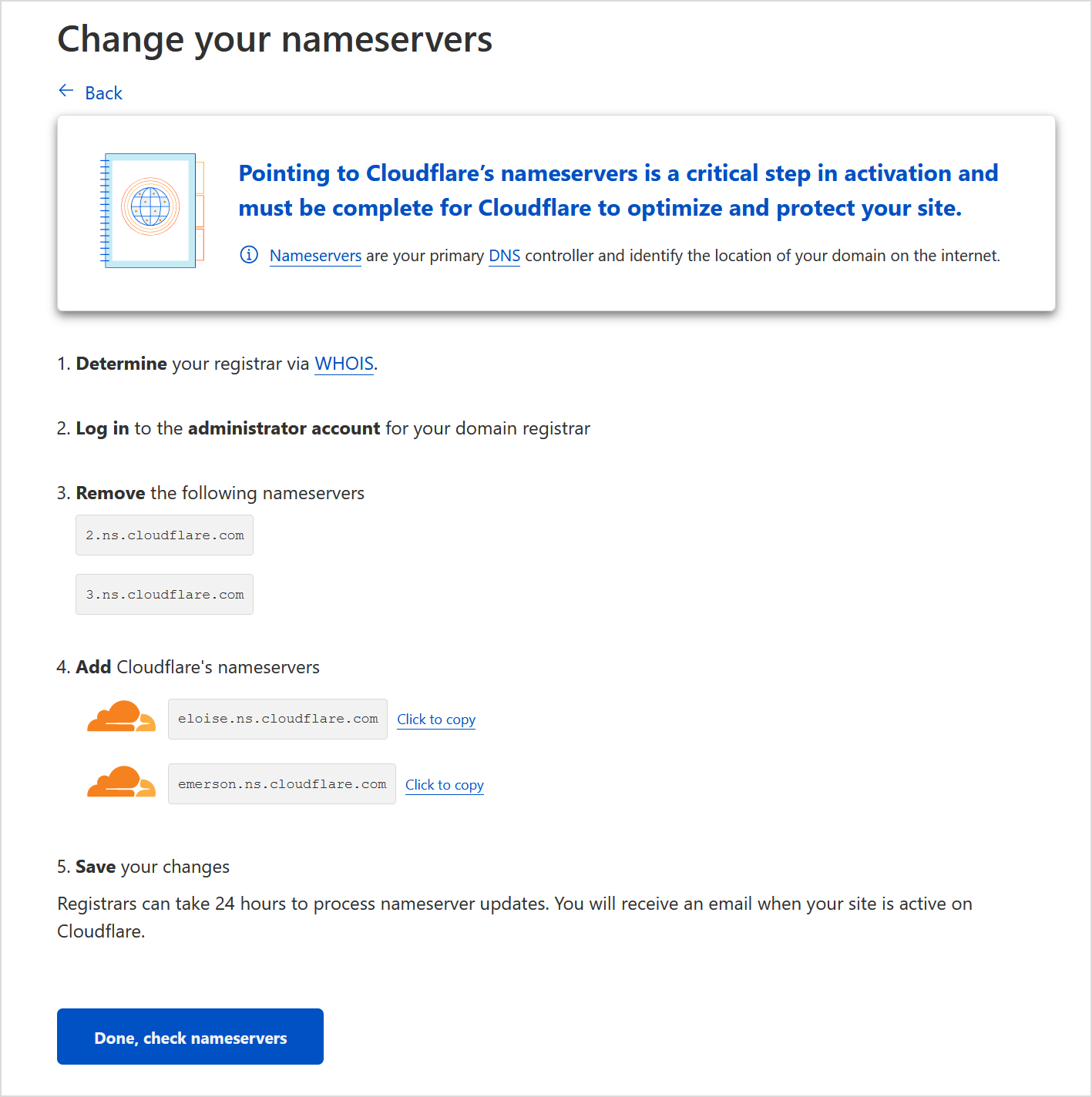
RecordConfigure the name servers provided to you from Cloudflare. Login to your domain registrar and change the names of servers to the ones provided by you from Cloudflare. In this example, they are eloise.ns.cloudflare.com & emerson.ns.cloudflare.com. Once you are done, select "Done, check nameservers".
The name servers provided on your end may/will be different from this example. So be sure to read your screen to verify!
Using Aquatisvalues as your domain registrar? We have a link to our article here on how to do so!
Step 8shown.
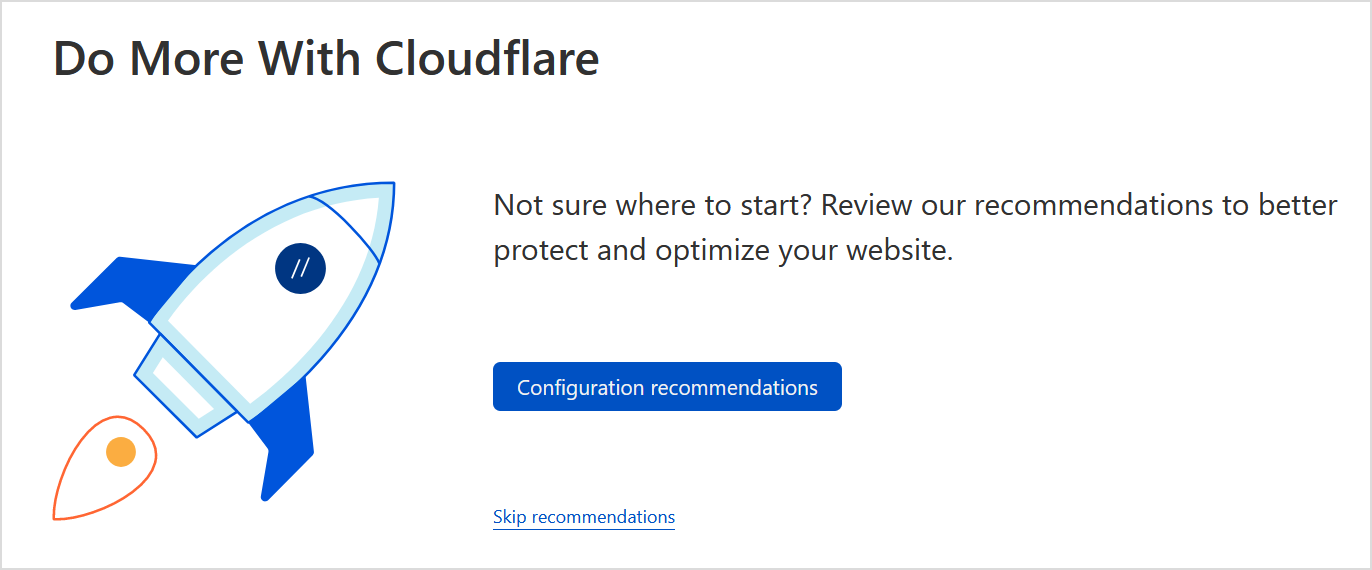
Configure recommendations based on your preference. If you are not sure what to do, select skip recommendations for now.
Step 9
Wait 24 hours while your name servers are propagated over to Cloudflare. Once you get an email from Cloudflare saying your website is active. You are all set!