
How do I edit my website files with an FTP client?
In this guide, you will learn how to link an FTP client to your website and learn how to access your web hosting files.
An FTP client is an application on your computer that connects you to remote servers through FTP and other protocols.
Step 1
Download & Install an FTP client. In this example, we will be using Filezilla.

Step 2
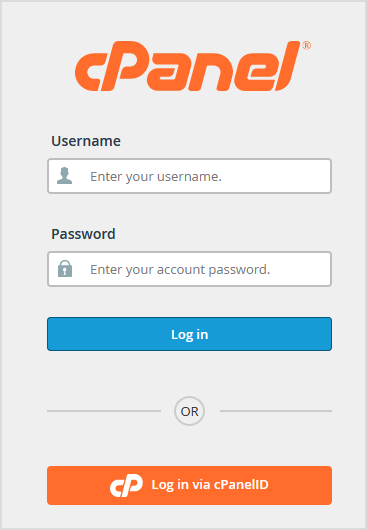
Sign into cPanel.
Step 3
Copy the Shared IP Address value. This will be referred to as the FTP host later on.

Step 4
Navigate back to Filezilla and open Site Manager under File.

Step 5
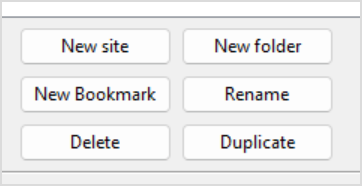
Select "New site" to create a new Site to keep stored on your FTP client.
Step 6
Type in the name that you want the site to be named as in the FTP client.

Step 7
Configure the values as shown.
Step 9
Wait 24 hours while your name servers are propagated over to Cloudflare. Once you get an email from Cloudflare saying your website is active. You are all set!