
How do I start/stop/restart VPS?
Step 1
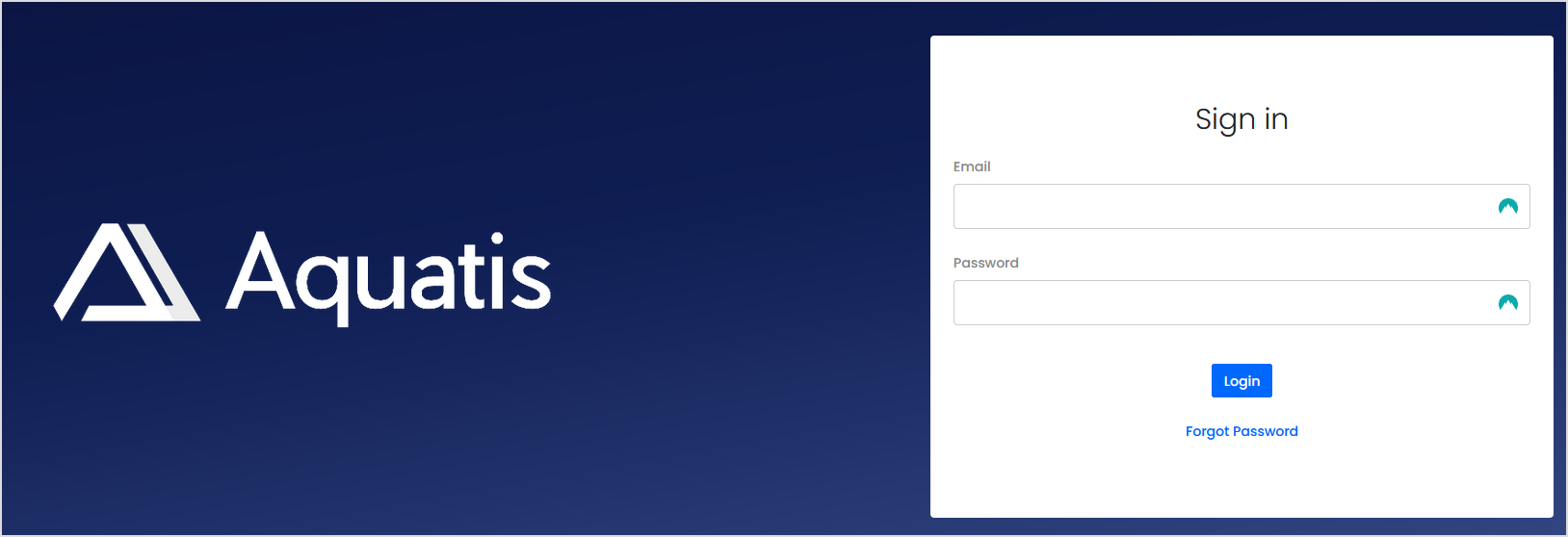
Sign in to the VPS panel.
Budget VPS: https://virtualizor.aquatis.host:4083/
High Ram VPS: https://hr-kvm.aquatis.host:4083/
Step 2
Select the VPS you wish to control.

Step 3
On the top right select the button of the action you wish to perform.
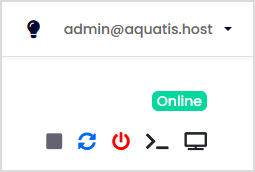
| Button |
Action |
| Start/Stop the VPS |
This will start the VPS if it's powered off, and will stop the VPS if it's powered on. |
| Restart the VPS |
This will turn off the VPS and turn it back on right after. |
| Poweroff the VPS |
This will power off the VPS and not automatically turn it back on. |
| Connect to VPS via SSH |
This button would allow you to connect to the VPS with an online SSH session. |
| Connect to VPS via VNC | This button would allow you to connect to the VPS with an online VNC session. |
Step 4
Select the Product that you would like to cancel.
Step 8
Select Submit to submit the request.
Submitting a Cancellation Request does not automatically give you a refund. If you are within the 72-hour refund period and want a refund on an eligible product, please open a ticket in our billing area.
