How do I change the password of my VPS?
Step 1
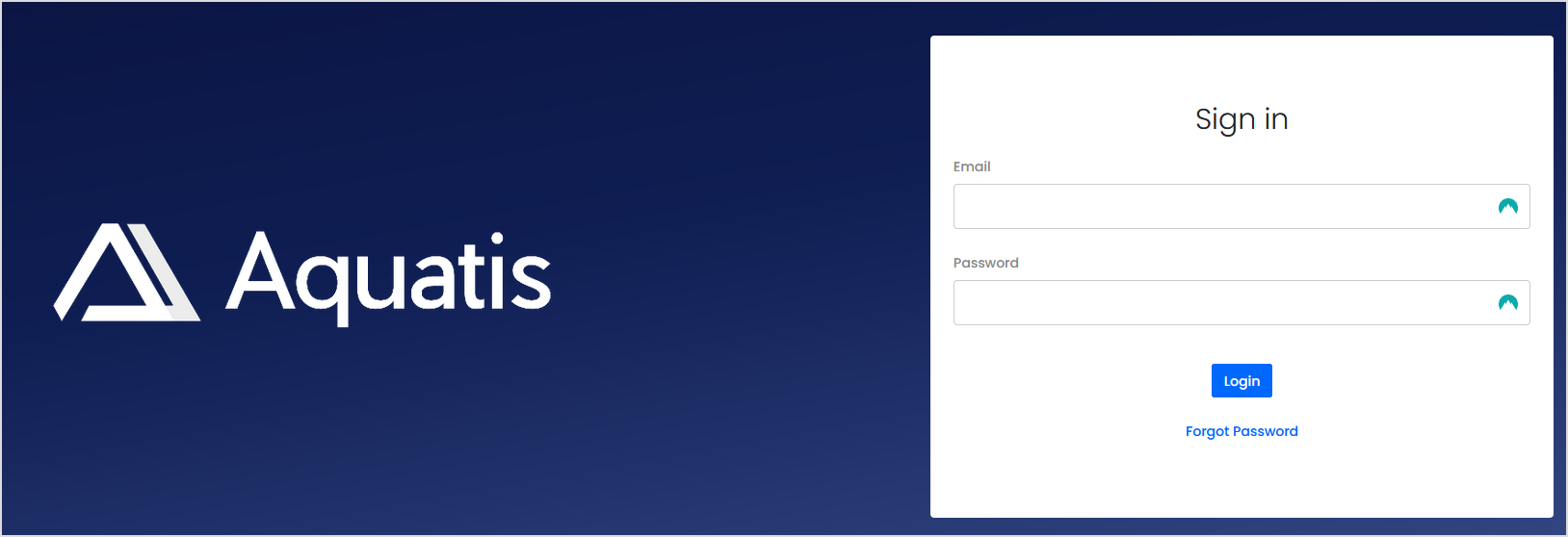
Sign in to the VPS panel.
Budget VPS: https://virtualizor.aquatis.host:4083/
High Ram VPS: https://hr-kvm.aquatis.host:4083/
Step 2
Select the VPS you wish to control.

Step 3
On the navigation bar, select the Settings button to view the VPS settings.

Step 4
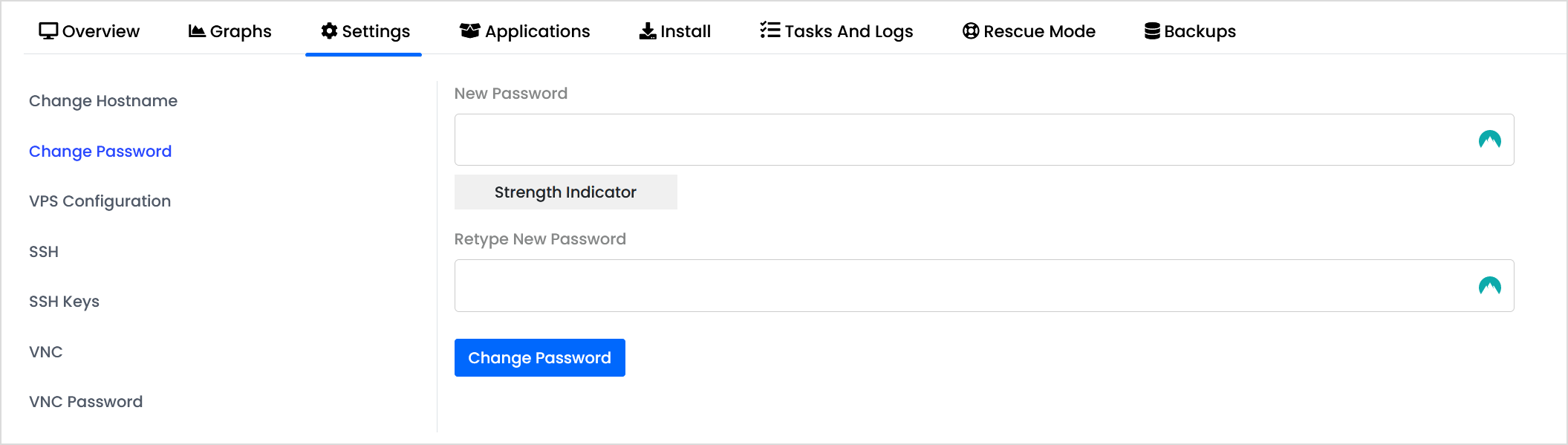
TheSelect settings"Change pagePassword" hason the Changeleft-hand Hostname as the first option.side.
Step 5
Type in the new hostnamepassword andin clickboth boxes, then select Change HostnamePassword.

Step 6
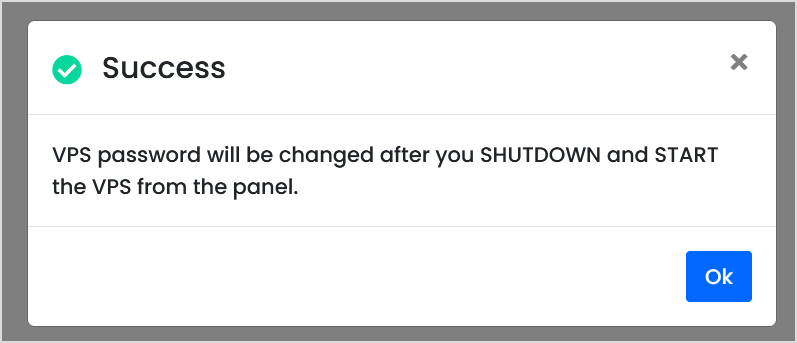
RestartShutdown & Start the VPS by selectingfor the Bluepassword restartingto optiontake on the top right hand of the screen. This will restart the VPS and apply the new hostname.effect.