
What are the name servers for our website-hosting plans?
The nameservers for our website hosting plans are below. Upon changing them, the domain can take 24-48 hours to fully propagate to us.
Do not try to visit your website while the name servers are still changing, this can result in your home network caching old/incorrect DNS data and cause your computer to take longer to resolve this domain name. You may notice this when your computer can't visit the website (Unknown DNS error) but your cell phone can.
NS1: crab.aquatis.host
NS2: fish.aquatis.host
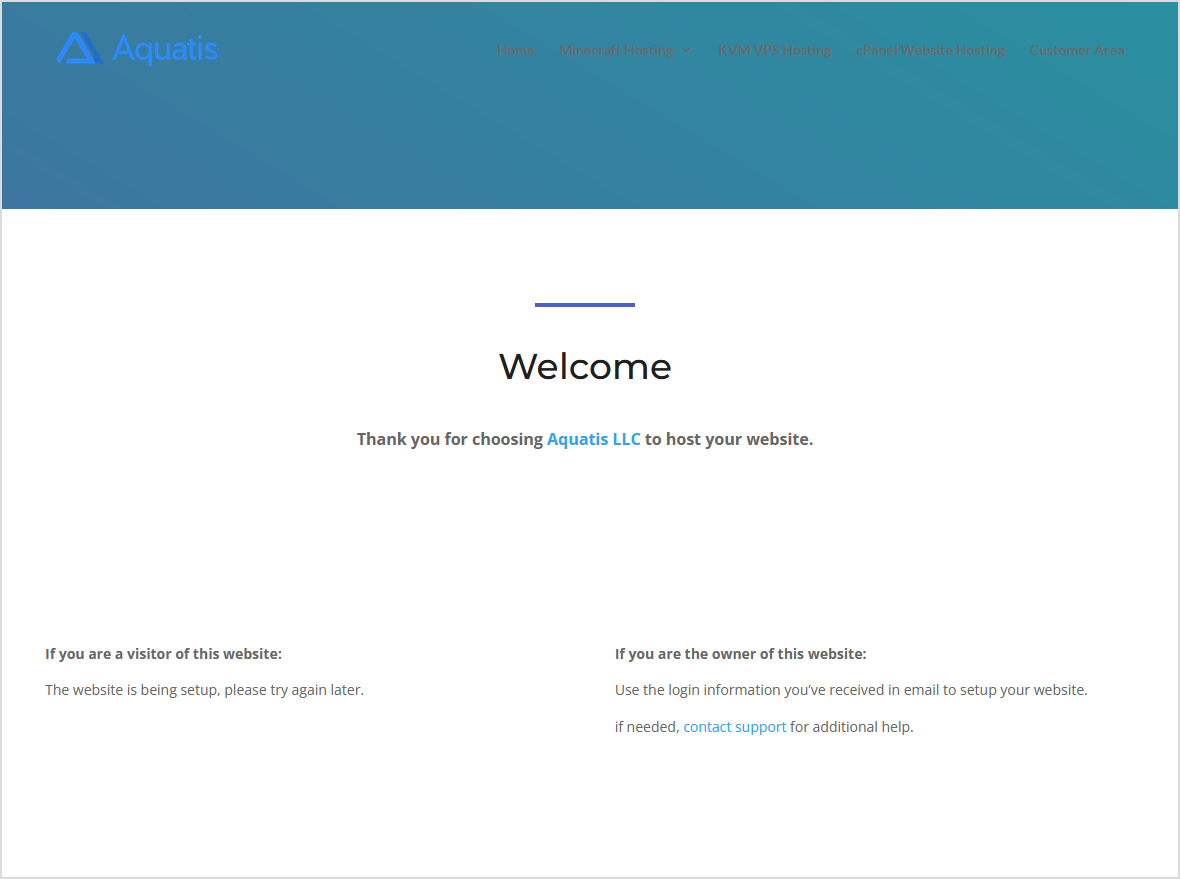
Once your domain fully points to our name servers, you will be greeted with this page on your website.
Using a different registrar? Below are articles from their sites on how to change them.
GoDaddy
https://www.godaddy.com/help/change-nameservers-for-my-domains-664
Hostinger
https://www.hostinger.com/tutorials/how-to-change-domain-nameservers
Enom
https://cp.enom.com/kb/kb/kb_0086_how-to-change-dns.htm
Domain.com
https://www.domain.com/help/article/domain-management-how-to-update-nameservers
one.com
https://help.one.com/hc/en-us/articles/360000841638-How-do-I-change-the-name-servers-
HostGator
https://www.hostgator.com/help/article/how-do-i-change-my-dns-or-name-servers
Namecheap
https://www.namecheap.com/support/knowledgebase/article.aspx/767/10/how-to-change-dns-for-a-domain/
WordPress
https://wordpress.com/support/domains/change-name-servers/
Google
https://cloud.google.com/dns/docs/update-name-servers
Porkbun
https://kb.porkbun.com/article/22-how-to-change-your-nameservers