
I'm not receiving emails on my website?
You may have not created all the DNS records needed to properly host your website on our cPanel website services. Usually, whenever someone sends you an email to your domain, it looks for an MX record and sends the email to wherever that MX record points.
What is a DNS MX record?
A DNS 'mail exchange' (MX) record directs email to a mail server. The MX record indicates how email messages should be routed in accordance with the Simple Mail Transfer Protocol (SMTP, the standard protocol for all emails). Like CNAME records, an MX record must always point to another domain.
What do I need to do?
In this guide, we are going to show you how to add an MX record to your DNS via Cloudflare.
Your domain must be linked to Cloudflare and pointing to us via DNS records. If your website is not linked with Cloudflare, you can follow our guide here.
Step 1
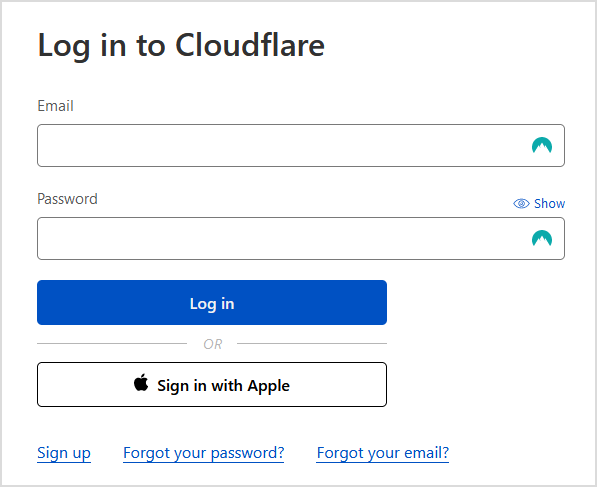
Sign in to Cloudflare with your personal details.
Step 2
Select the Domain you wish to modify.

Step 3
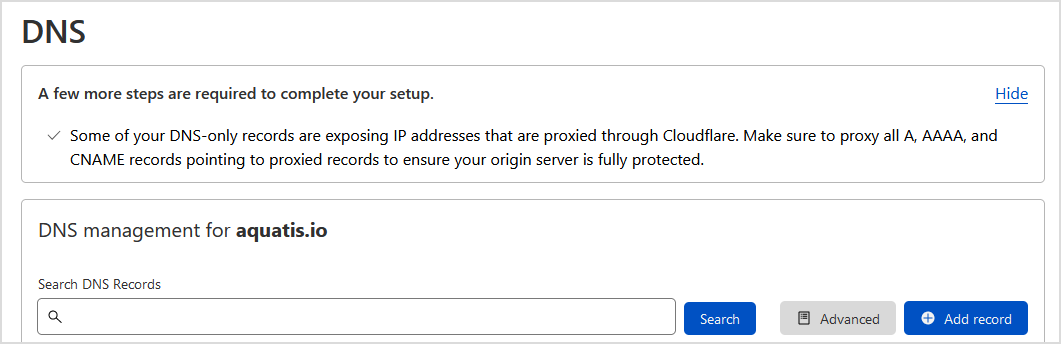
On the left navigation bar, select DNS.

Step 4
Select Add record to create a DNS record.
Step 5
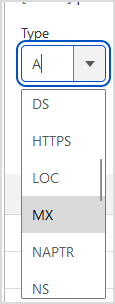
On the "Type" drop-down, select MX.
Step 6
In the "Name (required)" text box, type @ so the mail goes to the main domain name.

Step 7
In the "Mail server (required)" text box, navigate to cPanel and copy the Shared IP Address value into the mail server box.


inates the product/service on the service's Next Due Date.
Step 8
SelectIn Submitthe "Priority (required)" text box, set the value to submit0.
Each MX record has a priority, or a number to designate the request.
Submittingin awhich Cancellationyour Requestdomain doesname's notincoming automaticallymail giveservers youreceive ayour refund.email Ifmessages. youThe areMX withinrecord with the 72-hourlowest refundnumber periodis andthe wantfirst, aor refundprimary, onmail anserver eligibleto product,which pleaseoutgoing openmail aservers ticketattempt into ourdeliver billingyour area.email messages.

Step 9
Select Save to add the record to your DNS. Wait 5-15 minutes before sending another email to your website.