How do I change the invoice payment method?
Step 1
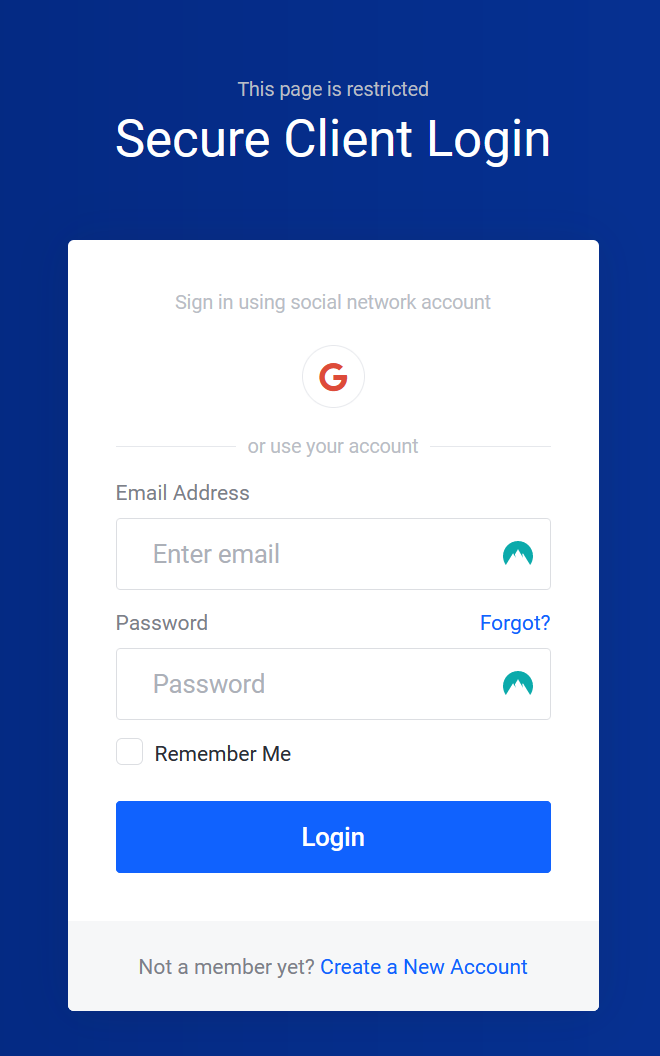
Sign in to the Billing Area.
Step 2
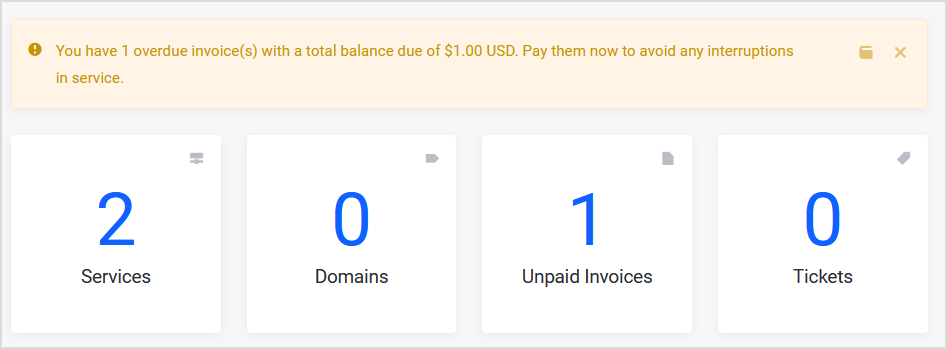
Select the Unpaid Invoices section in the middle of the screen.
Step 3
Select the invoice that is currently unpaid.

Step 4
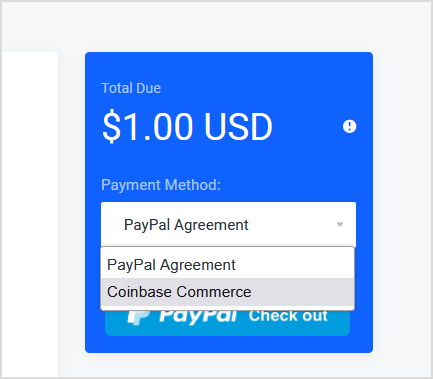
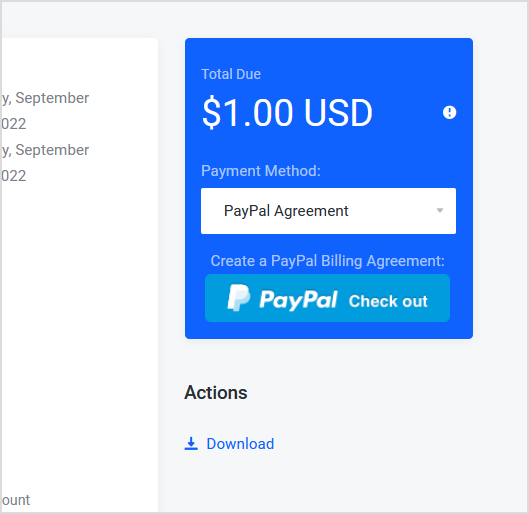
On the right-hand side of the invoice, you can currently see the Payment method is currently set to Paypal Agreement on the drop down. To switch it, select the PayPal agreement dropdown.
Step 5
Select the Payment Method you wish to use. After that, the invoice would update the payment method.