How do I change the password of my VPS?
Step 1
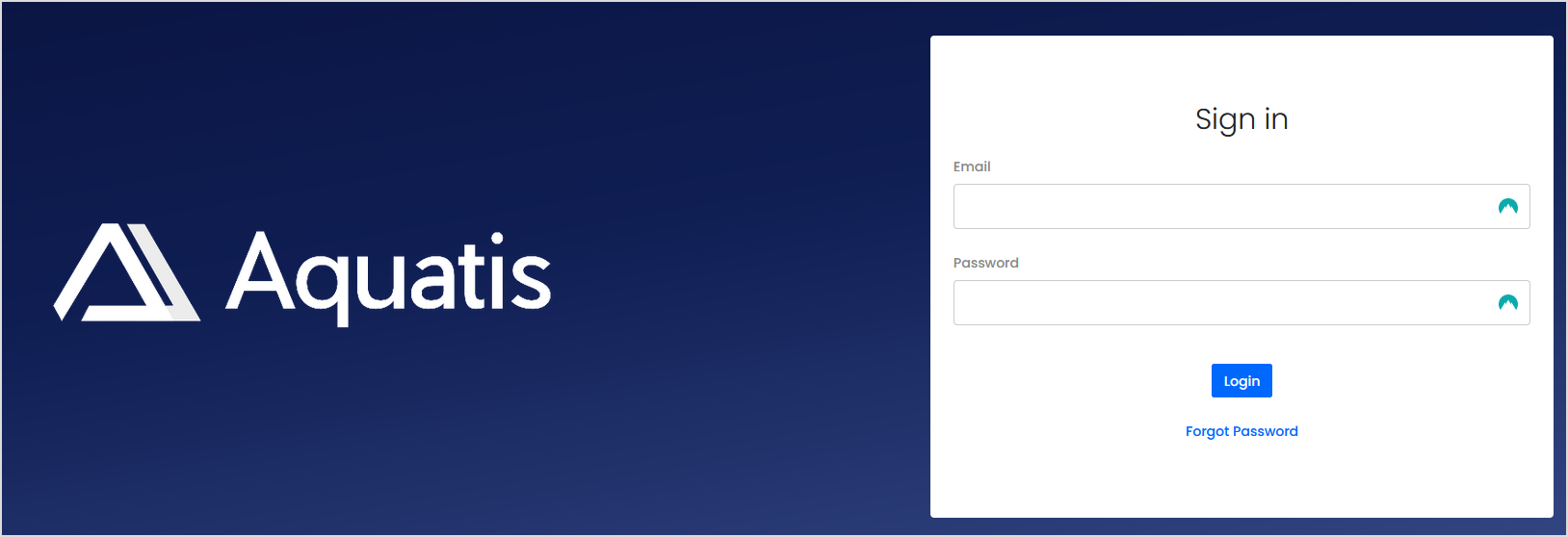
Sign in to the VPS panel.
VPS Panel: https://vps.aquatis.host:4083/
Step 2
Select the VPS you wish to control.

Step 3
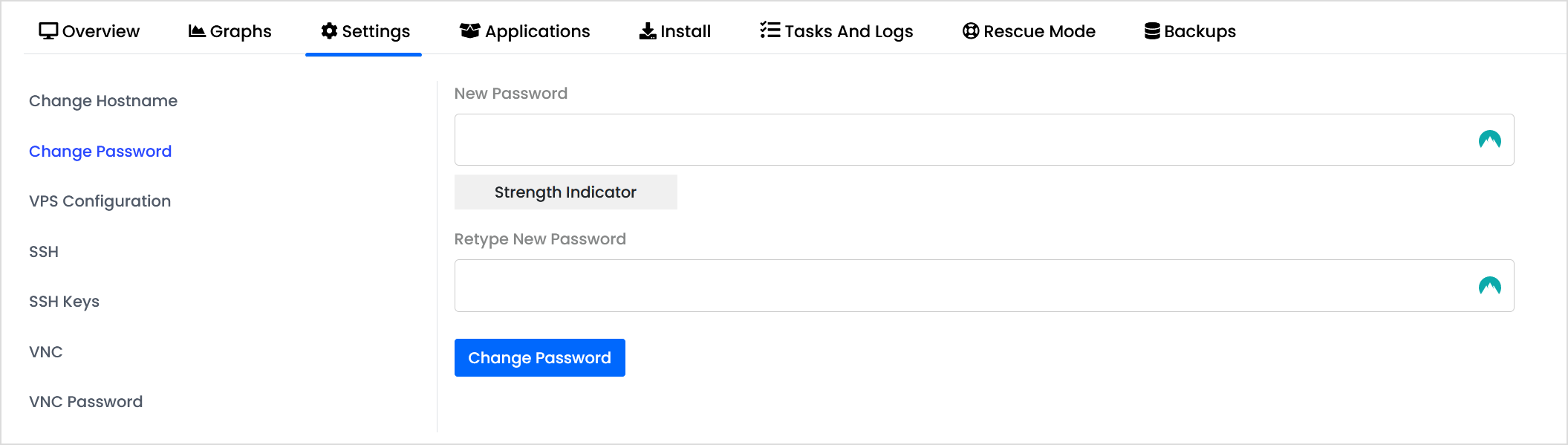
On the navigation bar, select the Settings button to view the VPS settings.

Step 4
Select "Change Password" on the left-hand side.
Step 5
Type in the new password in both boxes, then select Change Password.

Step 6
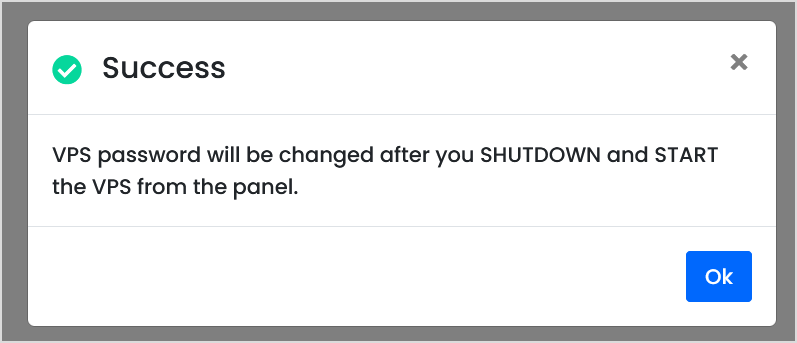
Shutdown & Start the VPS for the password to take effect.