Only share FTP information with people you trust. Aquatis will never ask for your password.
##### Step 1 **Navigate** to the [Multicraft ](https://panel.aquatis.host/index.php?r=site/login)panel. ##### Step 2 **Login** to the panel with your credentials. [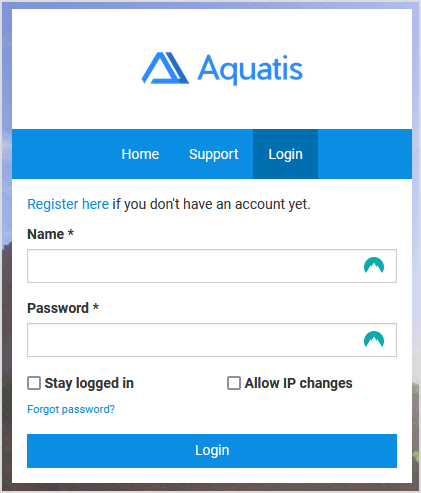](https://knowledgebase.aquatis.host/uploads/images/gallery/2022-08/eR4L1seh80Ng1Xed-image.png) ##### Step 3 Navigate to the server where you want to get the FTP information for. [](https://knowledgebase.aquatis.host/uploads/images/gallery/2022-08/nVuEG5qrXv7o984x-image.png) ##### Step 4 On the menu on the side, select "**Files > FTP File Access**". [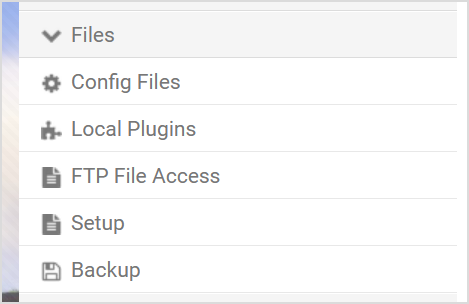](https://knowledgebase.aquatis.host/uploads/images/gallery/2022-08/kZn5xBFY4AOFZsVa-image.png) ##### Step 5 **Record** the details listed on your panel. Below is an example of what it should look like. [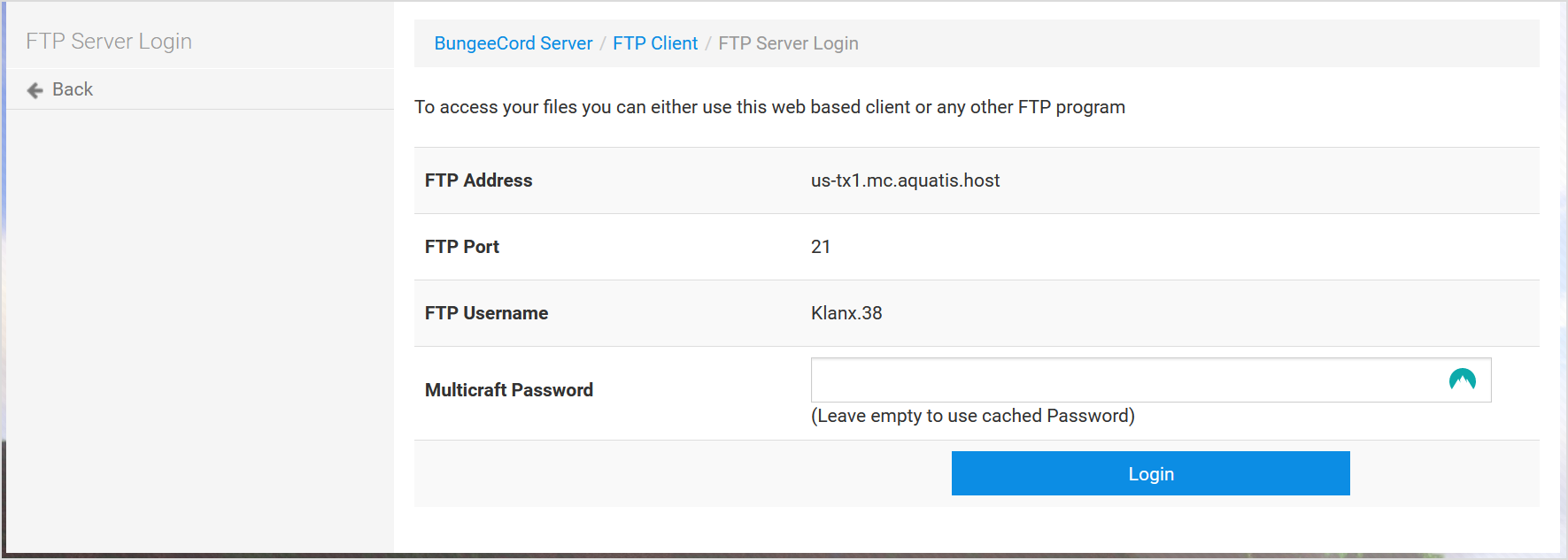](https://knowledgebase.aquatis.host/uploads/images/gallery/2022-08/YlBcbzACopfJxBkA-image.png)| **FTP Address or FTP Host:** | us-tx1.mc.aquatis.host |
| **FTP Port:** | 21 |
| **FTP Username** | Klanx.38 |
| **FTP Password** | *The password you used to sign in to multicraft.* |
The username normally consists of the username of the user accessing the account and the server ID at the end. So in this example, the Username of the user is Klanx and the server ID is server 38. So the FTP account username would be Klanx.38!