How do I point DNS records from Cloudflare to my site?
When you first link your website to cloudflare, your new website may not receive traffic due to a DNS configuration issue. In this guide we will show you how to add a DNS record to your website to accept traffic.
Your domain must be linked to Cloudflare and pointing to us via DNS records. If your website is not linked with Cloudflare, you can follow our guide here.
Step 1
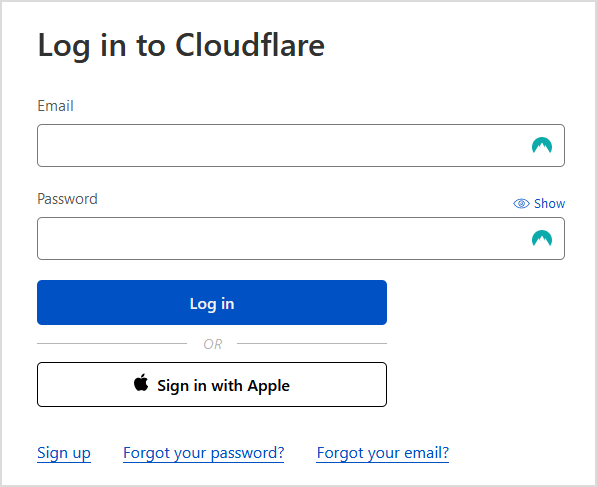
Sign in to Cloudflare with your personal details.
Step 2
Select the Domain you wish to modify.

Step 3
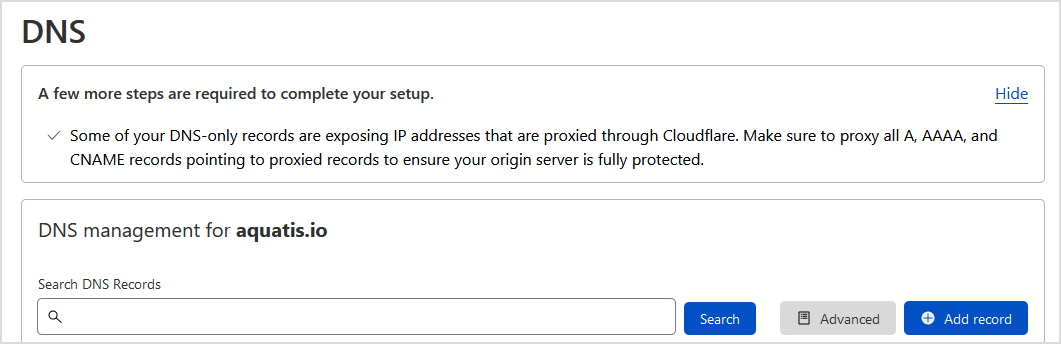
On the left navigation bar, select DNS.

Step 4
Select Add record to create a DNS record.
Step 5
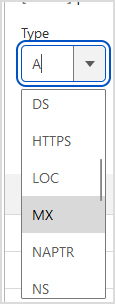
On the "Type" drop-down, select A.
Step 6

Step 7


Step 8

Step 9
Select Save to add the record to your DNS. Wait 5-15 minutes before accessing your main website URL.