How do I update my billing area password?
Step 1
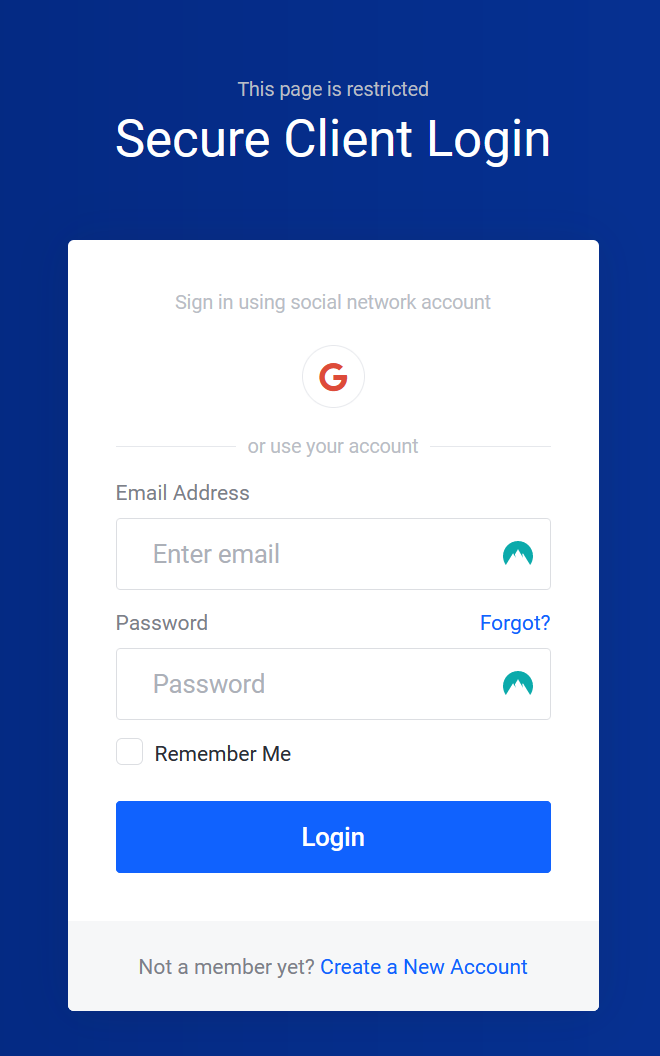
Sign in to the Billing Area.
Step 2
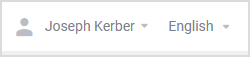
Select the Dropdown next to your name.
Step 3
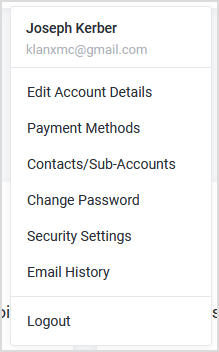
Select Change Password.
Step 4
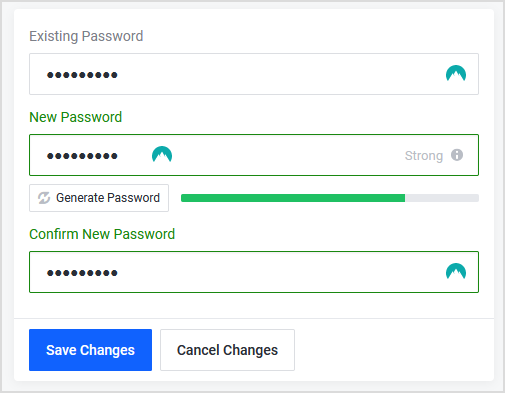
Type your Existing Password, then type your New Password. Finally, you would confirm your New Password.
Step 5
Click Save Changes, to update your password.
