# How do I cancel my service?
##### Step 1
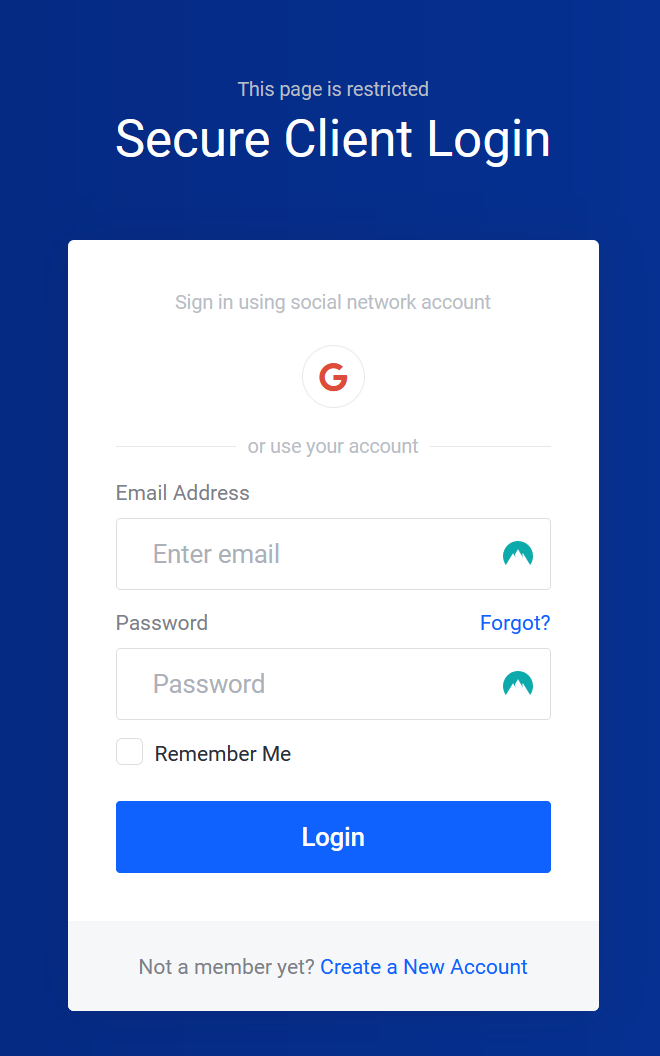
Sign in to the [Billing Area](https://you.aquatis.host/clientarea.php).
[](https://knowledgebase.aquatis.host/uploads/images/gallery/2022-08/EeyFAS3q4cSDj5if-image.png)
##### Step 2
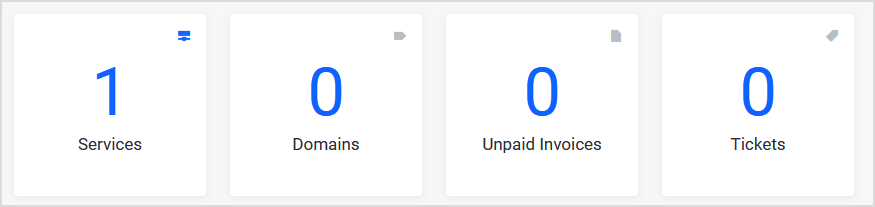
Select the **Services** box.
[](https://knowledgebase.aquatis.host/uploads/images/gallery/2022-08/ZUcBpsGTJVZWvGln-image.png)
##### Step 3
Change the view to **Active**.
[](https://knowledgebase.aquatis.host/uploads/images/gallery/2022-08/n8XOVhHV2F0uxxzU-image.png)
##### Step 4
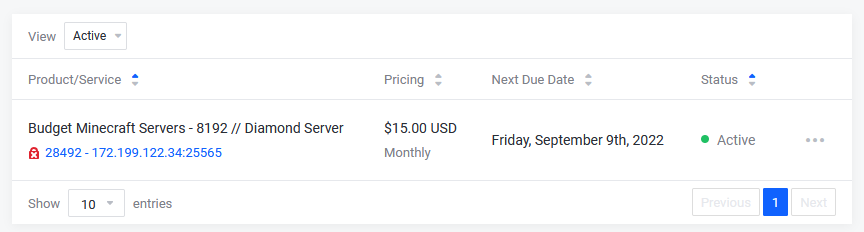
Select the **Product** that you would like to cancel.
[](https://knowledgebase.aquatis.host/uploads/images/gallery/2022-08/2I5LPOy2BhhxS2NG-image.png)
##### Step 5
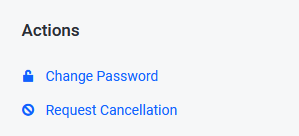
On the left-hand side under **Actions**, select **Request Cancellation**.
[](https://knowledgebase.aquatis.host/uploads/images/gallery/2022-08/SgqpWjk9tEn0vViW-image.png)
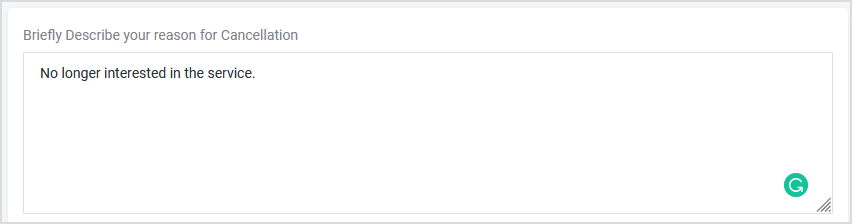
##### Step 6
[](https://knowledgebase.aquatis.host/uploads/images/gallery/2022-08/v1qrFSHdF0YNDEDs-image.png)
##### Step 7
Select the Cancellation **type**.
[](https://knowledgebase.aquatis.host/uploads/images/gallery/2022-08/6LaGvb9HrdCRw3RX-image.png)
"Immediate" Cancellation
The *Immediate* option terminates the product/service on the same day around (8:00 PM EST/12:00 AM GMT), regardless of the service's Next Due Date.
"End of Billing Period" Cancellation
The *End of Billing Period* option terminates the product/service on the service's Next Due Date.
##### Step 8
Select Submit to submit the request.
Submitting a Cancellation Request does not automatically give you a refund. If you are within the 72-hour refund period and want a refund on an eligible product, please open a ticket in our billing area.